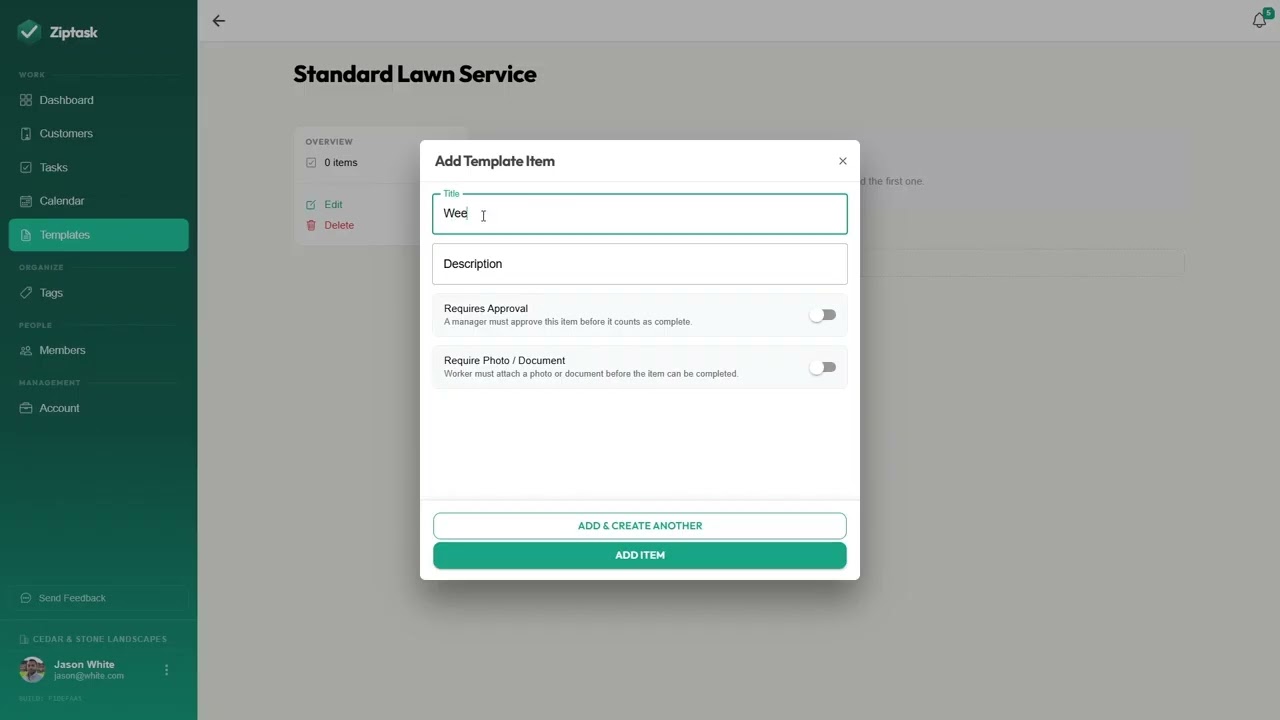
 ~90 sec
 Use templates
Run the same kind of job over and over? Build its checklist once as a template — a reusable blueprint — and create a ready-to-go list from it in one tap, instead of rebuilding the same tasks every time.
The video builds a template for a common job, but any checklist you repeat is worth saving.
Plan: Templates are on Starter and up. Who can do this: owners and admins.
Steps
-
Create a template. On the Templates page, choose New Template, give it a name, then add its tasks. That’s your reusable blueprint.
-
Create a list from it. When you start a new task list, choose Use a Template and pick your blueprint. The new list comes in pre-filled with the template’s tasks, ready to assign.
-
Keep it current. Edit a template’s tasks anytime — changes flow into the next list you create from it, and leave lists you’ve already made untouched.
Templates vs. recurring lists — a template is a blueprint you create lists from by hand. If you want a list to come back on a schedule on its own, that’s recurrence — see Set up recurring work.
What’s next
- Set up recurring work — for jobs that repeat on a schedule.
- Tasks — the full reference on templates, lists, and tasks.