Time tracking for crews
Know who worked,
where, and for how long.
Your crew clocks in from their phone or a shared tablet, takes breaks, and ends the week with a timesheet you approve and send to payroll. No paper, no guessing, no chasing.
Hours get written on paper and argued about later.
- Paper timesheets that arrive late, smudged, or not at all
- Rounding every shift to the nearest quarter hour because nobody knows better
- Forgotten clock-outs found on payday
- Retyping hours into payroll software every week
- No idea what a job really cost in labor
Everything you need to run the clock
Time tracking is part of the Pro plan, and every account can try it free. see pricing.
Clock in from anywhere
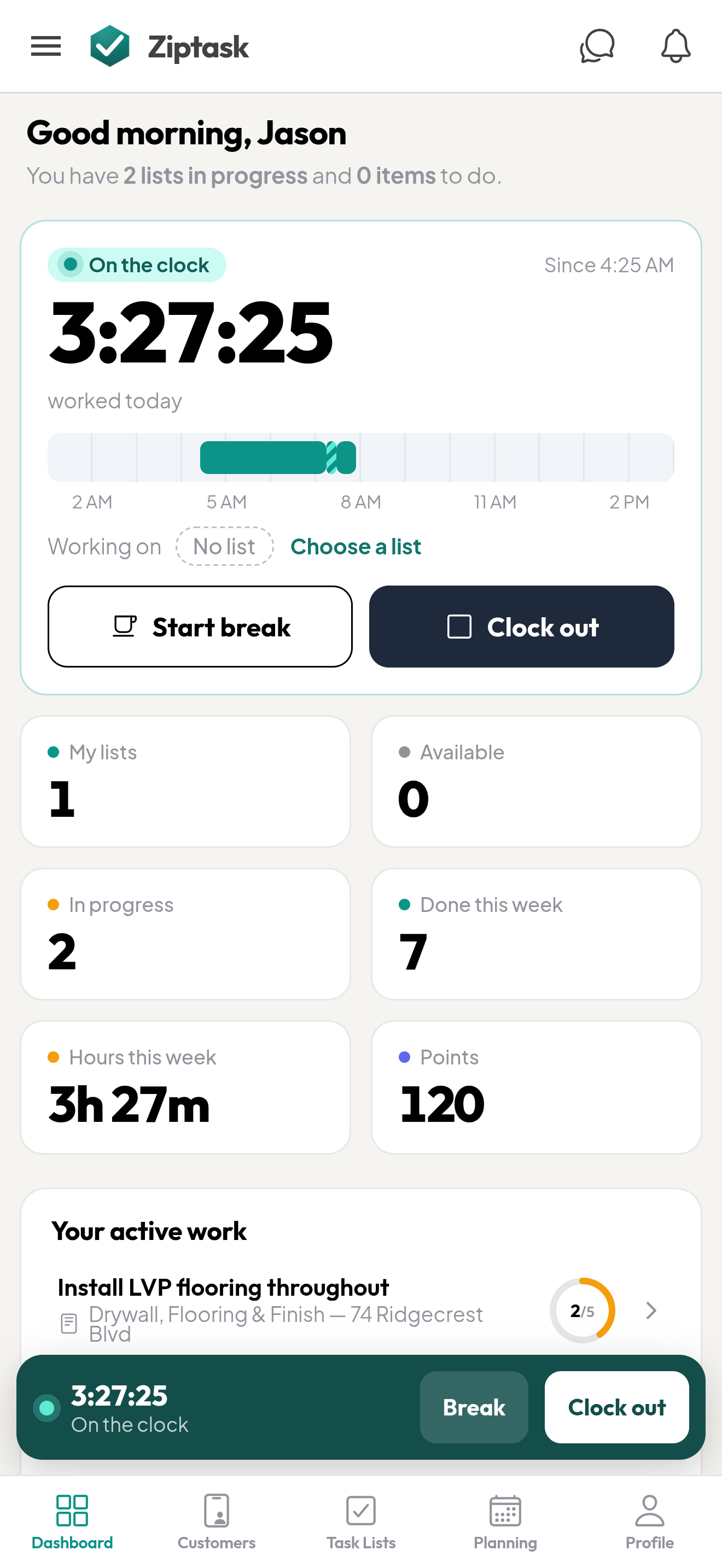
ProOne tap on the dashboard, the side menu, or the bar on their phone. Crews say which list they are working on and switch as the day goes on.
A shared tablet with a PIN
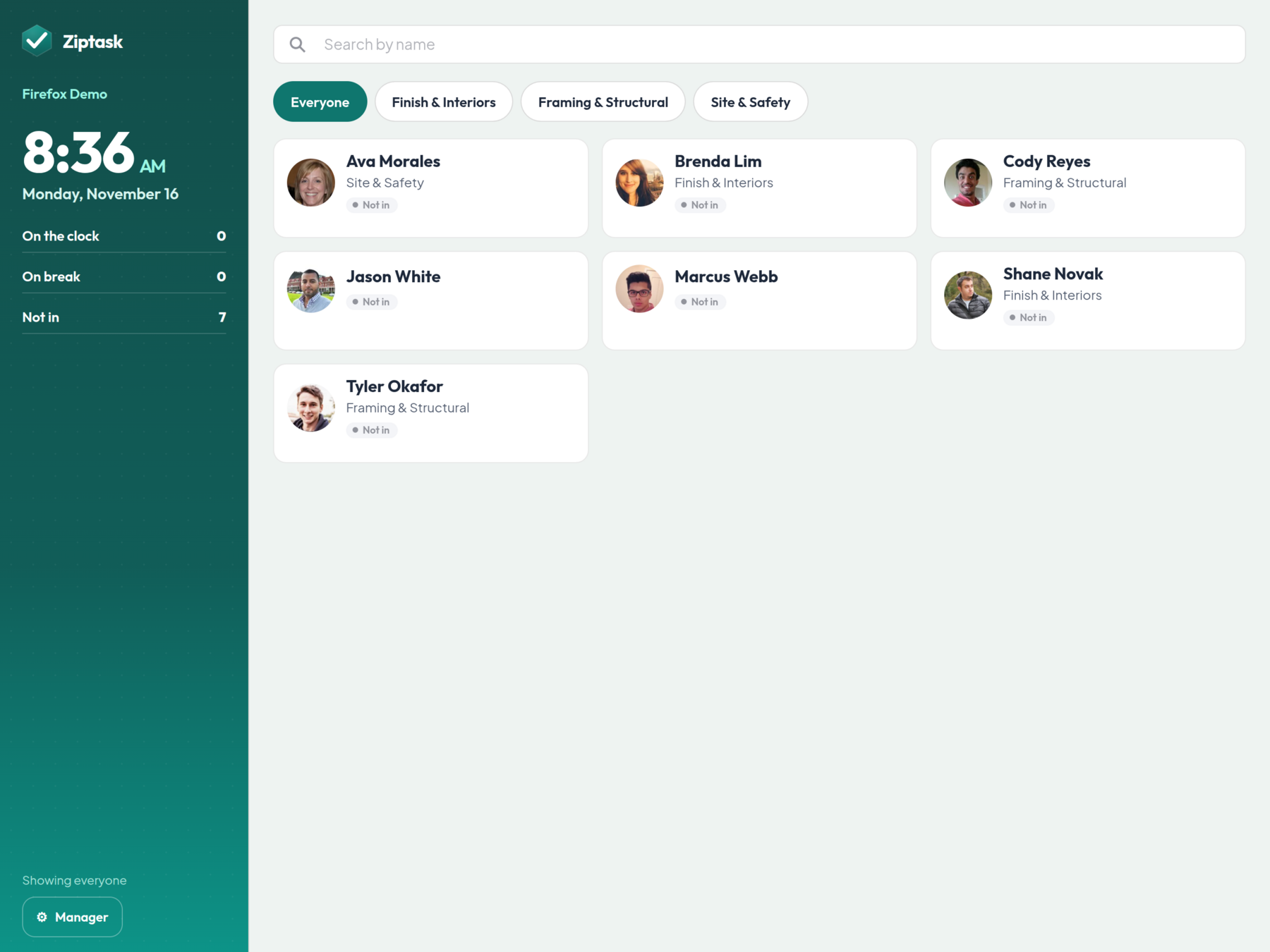
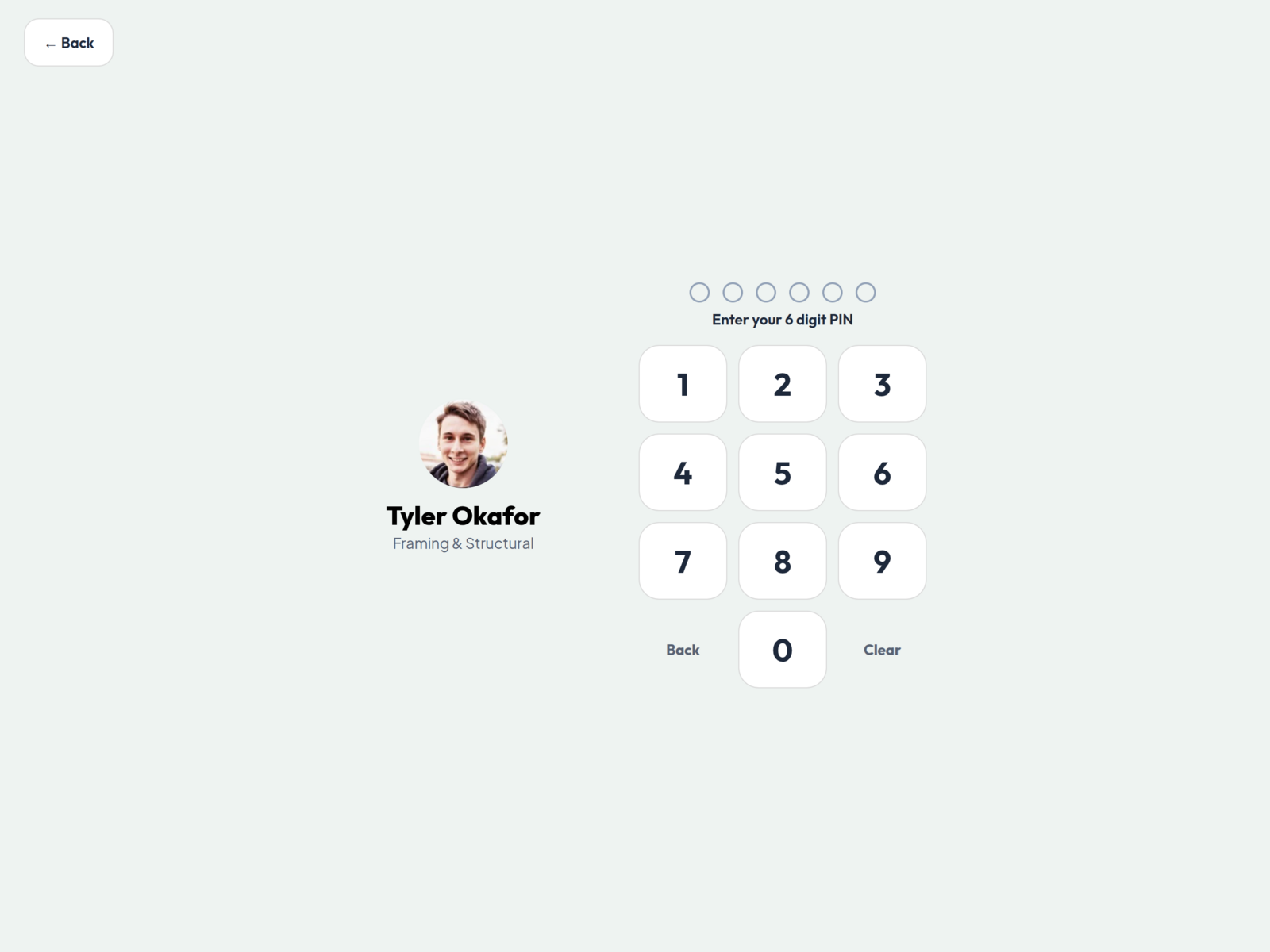
ProMount a tablet at the shop door. People tap their name, enter a six-digit PIN, and clock in, take a break, or clock out. No sign-in, and no personal phone needed.
Works with no signal
ProPunches made in a basement or on a remote site are saved and sent, in order, the moment the connection comes back.
Paid and unpaid breaks
ProCrews start and end breaks from the same place. You decide which breaks are paid, and the timesheet adds them up the right way.
A timesheet for every week
ProEach person sees their week, fixes anything wrong, and submits it. Forgotten clock-outs and odd shifts are flagged so nothing slips through.
Review and approve
ProManagers see every submitted week in one place, approve it or send it back with a reason, and change someone’s time when it needs correcting.
Export for payroll
ProDownload approved hours as a file for Gusto, ADP, or QuickBooks Online Payroll, and lock the days you have already paid.
Hours on every job
ProSee the hours spent on each list, project, and customer, and the labor cost so far, so you know what a job really cost.
Unlimited people
Every plan includes unlimited team members, so a bigger crew never means a bigger bill.
A kiosk your whole crew can use
Put a tablet by the door and let people clock in without signing in to anything. It is the simplest way to track a crew that shares one device, or does not carry a work phone.
- People tap their name and enter a six-digit PIN
- Clock in, take a break, and clock out from one screen
- Managers add kiosks and reset PINs from Time settings
From clock-in to payroll
Crews clock in
On their phone or at the kiosk. They take breaks as they go, and the running time shows on every screen.
They submit the week
At the end of the week each person checks their timesheet, fixes anything wrong, and submits it.
You approve and export
Managers approve the weeks, then export the hours for payroll. The days you have paid can be locked.
Time tracking FAQ
Which plan includes time tracking?
Time tracking is part of the Pro plan, and new accounts can try every Pro feature free with no credit card. Every plan includes unlimited team members.
Can people clock in without a smartphone?
Yes. Set up a shared tablet or phone as a kiosk. People tap their name and enter a PIN, with no sign-in. You can also require every punch to happen at a kiosk.
Does it work without internet?
Yes. Clock-ins, breaks, and clock-outs made offline are saved on the device and sent when the connection returns, in the order they were made.
How do I get hours into payroll?
Export approved hours as a file for Gusto, ADP, or QuickBooks Online Payroll. You can also lock days that have been paid so they cannot be changed by mistake.
Can my crew fix a forgotten clock-out?
Yes. People can fix a shift or add missing time on their own timesheet before they submit it, and managers can correct someone’s time when needed. Forgotten clock-outs are flagged for review.
Can I see what a job cost in labor?
Yes. Hours show on each list, project, and customer. Add a labor rate to a project and Ziptask shows the labor cost so far next to your expenses.